The Activation Gap
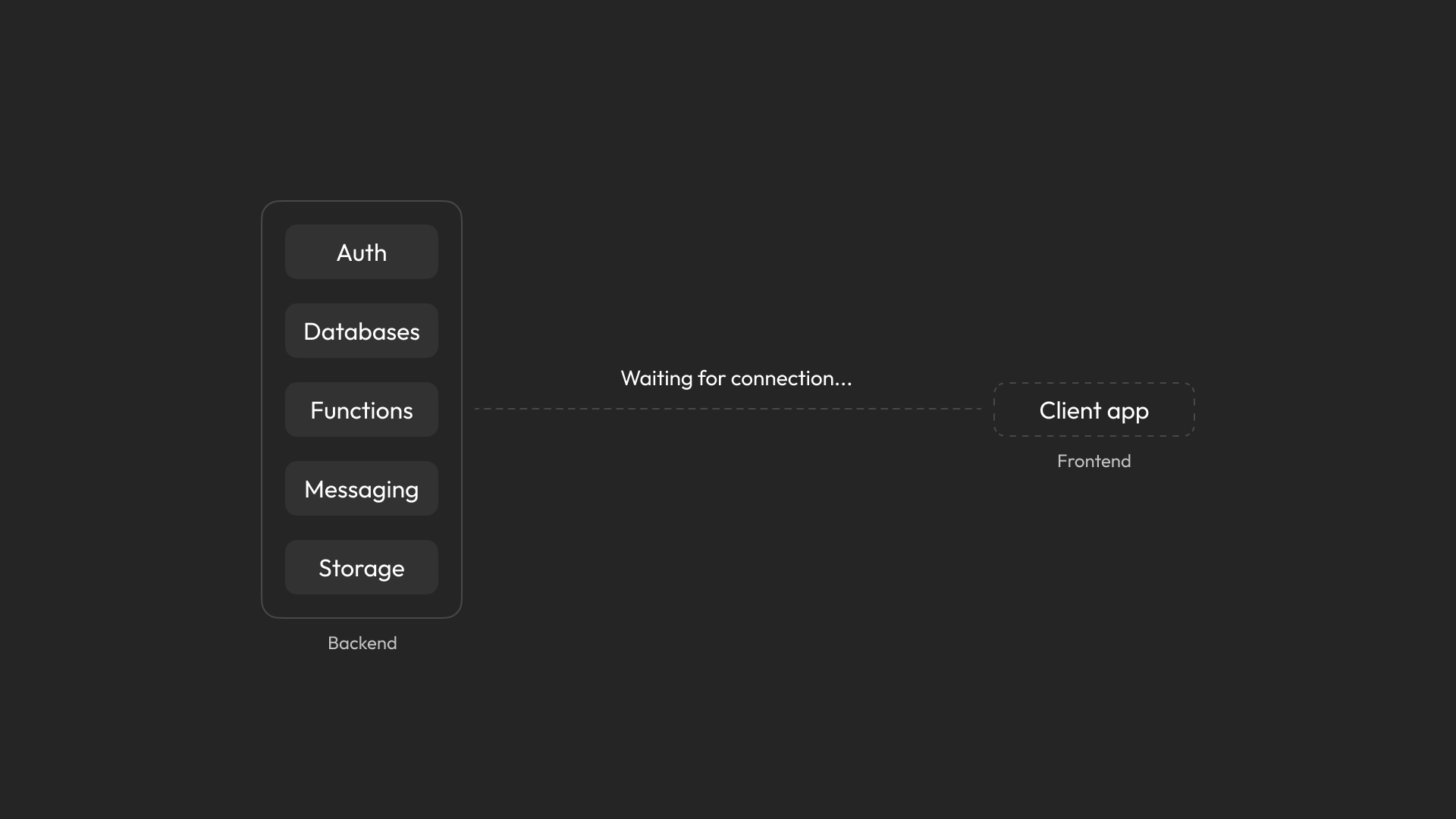
Appwrite is a backend platform that helps developers build the behind-the-scenes parts of their apps, like user authentication and data storage.
To get real value from the product, developers need to connect Appwrite to their app so it can power features like users and data in a real, working product.
The 58% Bottleneck
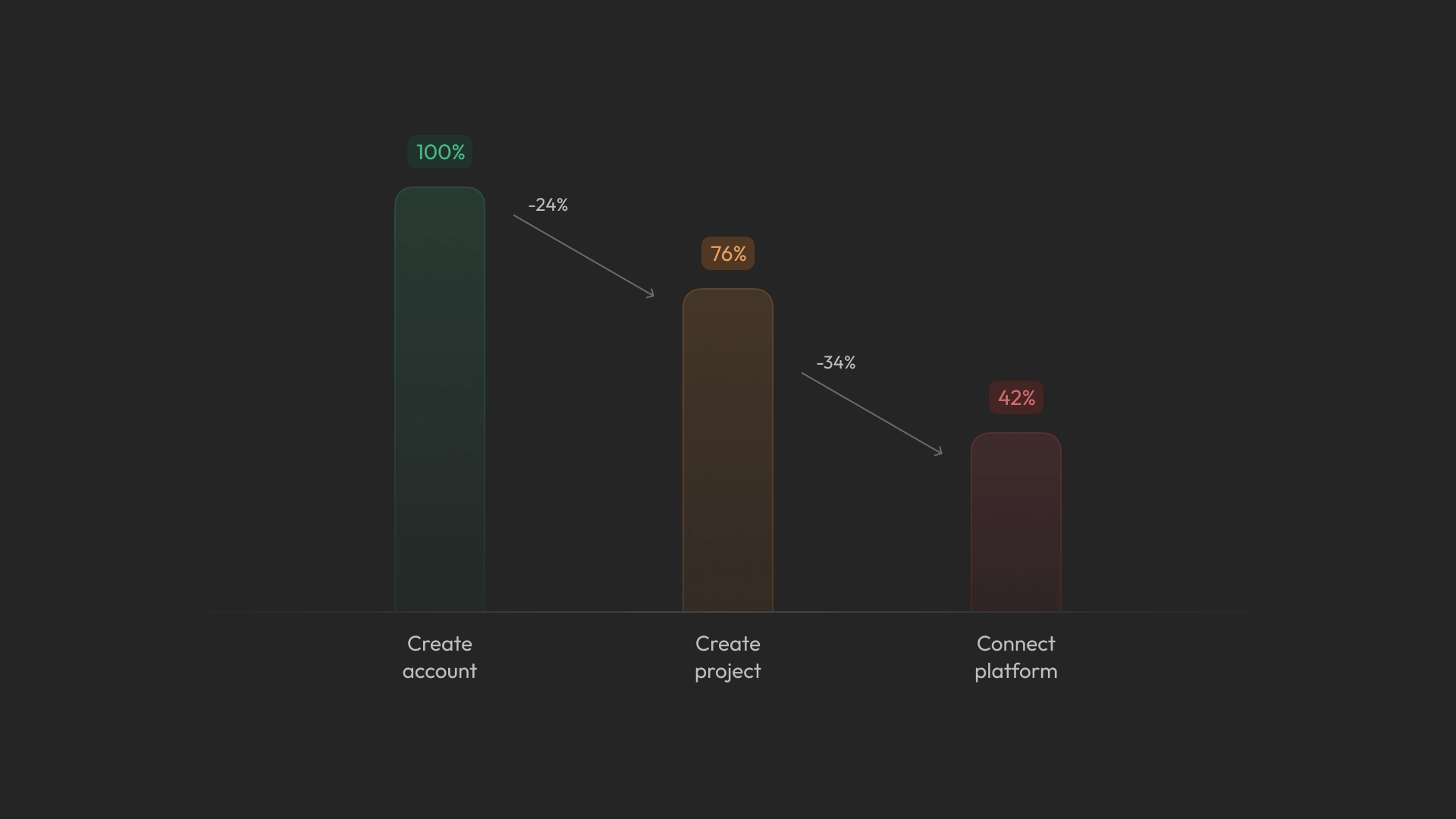
Despite prior improvements, a 58% drop-off persisted at the core activation step. Earlier efforts introduced Starter Kits and an Onboarding Hub to reduce context switching and guide developers through setup, increasing onboarding completion by 6%.
Even with this improvement, many developers still skipped the connection step and moved ahead to actions they could take right away, like creating their first user or adding data to the database. This behavior was consistently observed in user interviews, pointing to a mismatch between the expected setup flow and how developers naturally explored the product.
Missing Path
After project creation, onboarding existed as a separate surface that could be skipped or dismissed. Despite exploring the product, many developers never naturally reached platform connection.
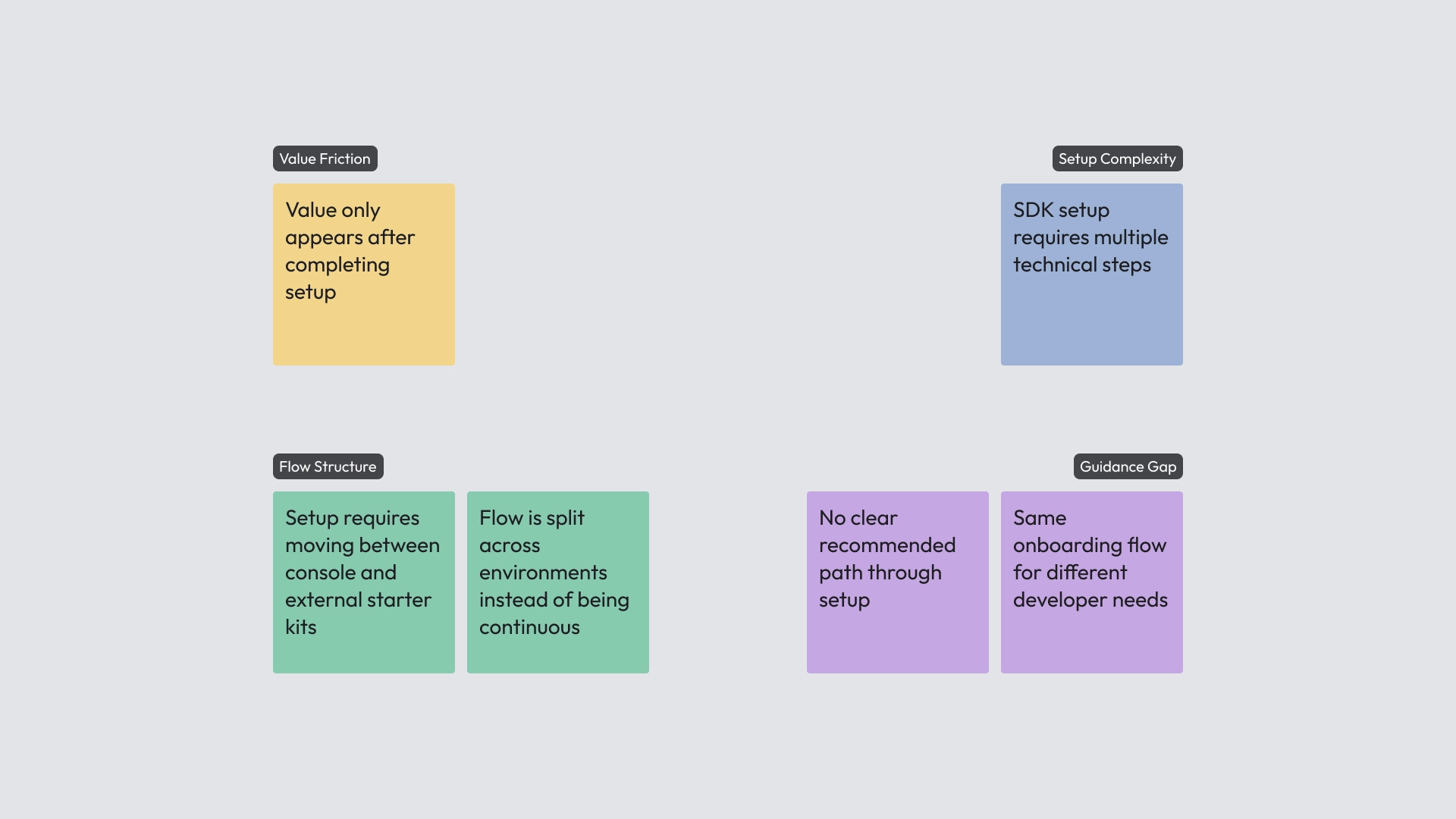
This revealed a broader pattern across the system. Value was gated by setup completion, setup required navigating complex technical steps, the flow was split between the console and external tools, and there was no clear guided path through the experience.
Together, these issues showed that activation was not embedded in the product experience itself. Without a clear in-context path forward, onboarding became optional rather than directional, and the moment of real product value was easily missed.
Activation System
To embed onboarding into the core product experience, it was integrated directly into the Project Overview, creating a clear and continuous path forward. Users are guided through an onboarding component that offers two paths: Starter Kit or Existing App, followed by three core steps: Connection, First User, and Data Seeding.
Below this component, the analytics section remains locked until all steps are completed. Once finished, it unlocks, reinforcing the relationship between setup and real product usage through actual data.
The system remains flexible, allowing experienced users to dismiss the onboarding flow and move freely while still maintaining a clear guided path for first-time users.
Smart Snippets
With activation now structured as a guided flow, completing each step still required executing technical setup tasks. To reduce friction at these critical moments, code snippets were introduced directly within the onboarding experience.
Snippets are pre-configured based on platform selection, with prefilled credentials and support for inline editing. Developers can copy code by line or as a full block and paste it directly into their codebase, making it easier to complete each step quickly and continue through the flow with minimal effort. As steps are completed, the console reflects progress in real time, reinforcing momentum and guiding users forward.
Designing in Code
This project was part of the console redesign. Rather than producing standalone prototypes, I contributed directly to the production codebase, designing through implementation and refining the experience in code.
This approach accelerated the work, ensured alignment with real product constraints, and allowed design decisions to be validated in context as part of the actual system.